
For business owners managing a fleet of vehicles, effective vehicle maintenance tracking is essential to optimizing operations and minimizing costs. Creating a vehicle maintenance form using Excel allows for organized recording of pertinent details related to each vehicle’s upkeep. With a structured approach, you can streamline the monitoring process across various vehicles, preventing costly breakdowns and ensuring timely services. This article will delve into three significant areas: designing the core structure of your maintenance form, setting up the maintenance log worksheet for effective record-keeping, and automating calculations and alerts to maintain proactive vehicle care.
Building the Core Backbone: Designing the Structural Foundation of an Excel Vehicle Maintenance Form
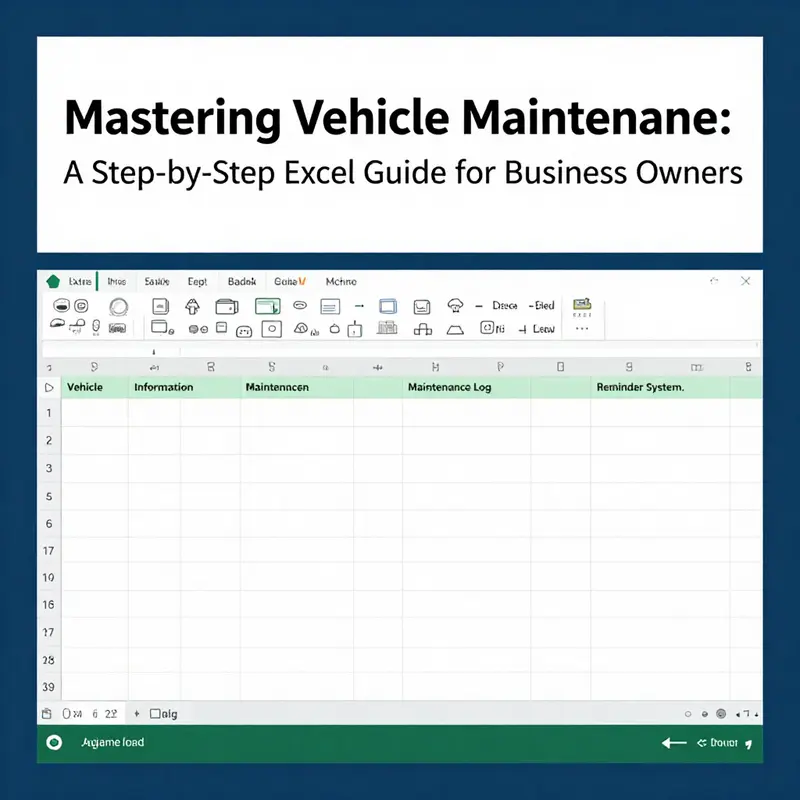
Designing an Excel vehicle maintenance form starts with a clear purpose and a scalable structure. A robust core spine helps data flow from entry to insights. Begin by separating the workbook into distinct worksheets that mirror real world processes. A central Vehicle Master List should hold vehicle identifiers and key details that do not change often. This list serves as the unique link for every service entry. It should include a vehicle ID or registration, make and model, year, and current location. The next section is the Maintenance and Repair Log, which records each service event with date, mileage, service type, parts used, labor and total costs. Include a Next Due Date or Next Due Mileage field to support proactive planning. Consistency is maintained through data validation and standardized lists for service types and parts. Use dropdowns where possible to enforce terminology and to simplify reporting. Conditional formatting can highlight upcoming due dates or high cost entries without overwhelming the user. Finally, plan for reporting with PivotTables and charts, while keeping the core structure modular and easy to extend. The goal is a practical, auditable, and scalable backbone that supports reliable data entry and meaningful analysis.
Designing a Robust Excel Vehicle Maintenance Log
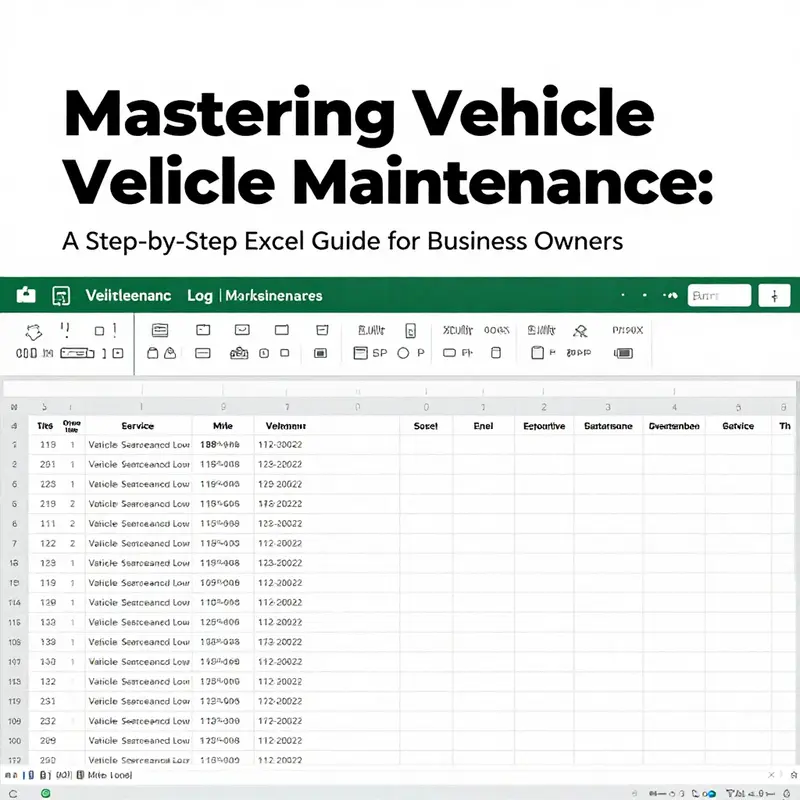
Creating a reliable vehicle maintenance log in Excel is about clarity, consistency, and forward planning. Start with a core worksheet that captures each vehicle’s identity (Make, Model, Year, License Plate, VIN) and then records each service event with Date of Service, Mileage at Service, Service Type, Description, Parts Used, Labor Cost, and Total Cost. Add a Next Due field to project when the next service is due by mileage or date. Use data validation to limit Service Type choices, keep headers concise, and freeze the top row for easy navigation. Build simple formulas to compute Total Cost as Parts Cost plus Labor Cost and Next Due Miles as Mileage at Service plus the maintenance interval. Include a Status column with a simple rule like Urgent, Warning, or OK to signal action needed. Apply conditional formatting to highlight overdue or upcoming entries. Finally, design a lightweight dashboard with pivot tables and charts to monitor spending by Service Type and trends over time. With this structure, data stays clean, analytics stay reliable, and maintenance planning stays proactive rather than reactive.
Automating Calculations and Alerts in Vehicle Maintenance Forms using Excel Features
Automation in a vehicle maintenance form is not merely a convenience; it is a strategic upgrade that turns a ledger of services into a proactive management tool. When you design a maintenance form in Excel with built-in calculations and intelligent alerts, you transform rote data entry into timely decisions. The goal is not to replace human insight but to amplify it: to surface the right information at the right moment so that maintenance becomes a continuous, predictable process rather than a series of reactive checks. This chapter explores how to weave calculations, reminders, and data integrity into a unified Excel form that supports fleet upkeep, cost control, and reliability without requiring constant manual intervention. It is grounded in practical steps that align with the broader understanding of vehicle maintenance, so readers can see how the mechanics of an Excel sheet translate into real-world outcomes. For a broader foundation, see What is vehicle maintenance.
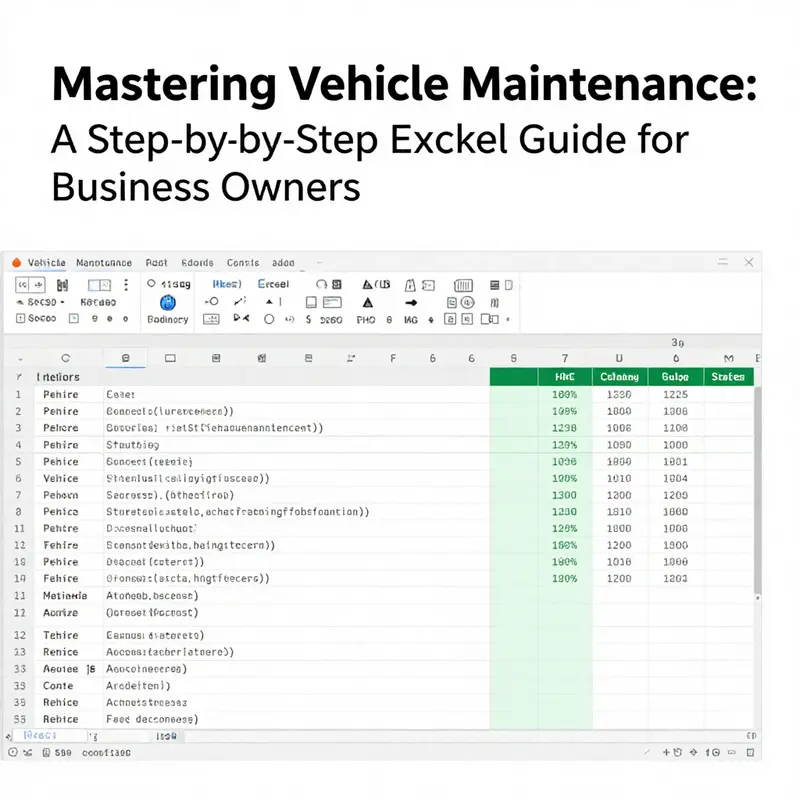
The essence of automation in a maintenance form begins with the structure. A robust sheet design separates data into logical zones while keeping the user experience simple. Imagine a workbook with three primary tabs: Vehicle Information, Maintenance Log, and Reminder System. The Vehicle Information tab stores immutable identifiers such as Vehicle ID, Make, Model, Year, VIN, and License Plate, along with an initial odometer reading. The Maintenance Log serves as the active record of service events, containing fields like Date of Service, Mileage at Service, Service Type, Description, Parts Used, Labor Cost, Total Cost, and Next Service Due. The Reminder System uses dynamic formulas to flag impending maintenance so teams can act before a breakdown occurs. This triad—static vehicle data, dynamic maintenance entries, and proactive reminders—creates a living system where information flows in a controlled, actionable way.
Equipment and discipline come together in data capture. When the Maintenance Log is set up with clearly defined columns, you reduce the cognitive load on technicians and drivers who input data in the field or shop. For example, the Date of Service follows a consistent date format, the Mileage at Service is a numeric entry, and the Service Type is selected from a constrained list. Such consistency is not cosmetic; it underpins reliable analysis later on. Using Data Validation for the Service Type and Parts Used ensures that the entries stay within predefined categories. This not only prevents typos but also makes future reporting more accurate because the same labels appear across all records. The human element still matters—discrepancies are possible when data is incomplete or entered late—but validation minimizes the room for error, acting as a first line of defense against data quality issues.
Automating maintenance due dates is the heartbeat of the system. In real-world fleets, vehicles are scheduled for service either by time (months) or by usage (miles). The maintenance form adapts to both by capturing either a date-based interval or a mileage-based interval and then calculating the next due event automatically. One practical approach is to treat the last service date as the anchor and add the standard interval to it. If the schedule is every 6 months, the next due date can be computed by taking the most recent service date and adding 180 days. In Excel, a robust technique for identifying the last non-blank service date in a row and then adding the interval looks like this:
=LOOKUP(1,0/(E3:I3<>""),E3:I3)+180
This formula searches the row E3:I3 for the most recent non-empty entry, which represents the last service date, and adds 180 days to determine the next due date. It remains accurate even if some past service fields are blank because LOOKUP scans for the last valid entry rather than requiring each past cell to be filled. The approach scales across multiple service windows and across different vehicles when the date fields streak across a row for a given maintenance cycle. If you organize your sheet so that each vehicle has its own row with a sequence of past service dates in adjacent columns, this formula can sit in a dedicated Next Due Date column and recalculate automatically as new service dates are entered.
This method is particularly powerful in mixed datasets where some vehicles have long gaps between services and others have dense records. It eliminates manual guessing and reduces the risk that the next due date is miscalculated because a field was overlooked. As you extend the model to miles-based schedules, you can pair this date-based logic with mileage data to determine when the next service is actually due by mileage versus by date.
Once the next due date is established, the next layer of automation activates: alerts. Conditional formatting brings visibility to upcoming, due, or overdue maintenance without requiring anyone to scan every row. A common rule is to highlight cells in the Next Due Date column when the due date is within a threshold of today. For example, to flag dates that are within 30 days, you can apply a conditional formatting rule that checks the proximity to today. A practical rule can be expressed as:
excel
=AND(TODAY()>=([Next Due Date]-30), TODAY()<=([Next Due Date]))
```
This rule causes the cell to turn red (or adopt another accent color) when the due date is approaching. If the date is overdue, a stronger color or a separate rule can be configured to raise the urgency. In practice, many teams also flag entries where the Last Service Date plus the interval has slipped beyond a critical threshold, linking the concept of dates directly to the vehicle’s maintenance cadence. The visual cue is not a distraction; it is a concise signal that a decision is required—scheduling, parts ordering, or driver communication.

Beyond dates, it is equally important to manage the mileage side of the maintenance equation. The Next Service Due can be expressed in miles or months, depending on the organization’s policy. A simple and effective approach is to compute a target mileage by adding the interval to the current odometer reading captured in the Maintenance Log. For example, if a vehicle requires service every 5,000 miles, you can maintain a dedicated field that tracks the mileage at the last service and another that projects the next milestone. The maintenance form can automatically flag when the current odometer reading approaches that milestone by producing a threshold indicator. While the date-based automation often handles time-bound services, mileage-driven maintenance remains essential for vehicles that accumulate wear with road use.

Data integrity is the engine that keeps automation honest. Validation and lookup functions ensure that calculated fields reflect the actual data entered. A named range for the service types—Oil Change, Tire Rotation, Brake Inspection, Battery Replacement, and others—keeps dropdown options consistent across the workbook. In tandem with VLOOKUP or XLOOKUP (where available), you can pull vehicle details from the Vehicle Information tab into the Maintenance Log. For instance, the make, model, and current mileage can appear automatically when a vehicle is selected, reducing manual input and the chance of mismatched data. This cross-tab synchronization is not just about convenience; it protects the accuracy of fleet reports that rely on consistent identifiers.

The summation of costs is another critical automation piece. The Total Cost column in the Maintenance Log can be computed by summing Parts Used cost and Labor Cost. A straightforward formula might look like:
excel
=SUM(B2:C2)
Where B2 contains Parts Used cost and C2 contains Labor Cost. As you scale the form, you can implement more granular cost tracking, such as separate lines for each part used, with a running total that aggregates per service entry. The total cost is a natural pivot point for dashboards and for cost-per-mile analyses that many fleet managers rely on to optimize spend.
The next layer of value comes from turning raw data into a digestible narrative. A summary dashboard, while optional, can provide powerful visibility into maintenance patterns, total expenditure by service type, and the timing of upcoming work. PivotTables, linked charts, and slicers can answer questions like: Which service types dominate maintenance spend? How have monthly maintenance costs trended over the past year? What proportion of total costs goes to parts versus labor? Although dashboards introduce a degree of visual flair, they should be designed to serve decision-making, not to replace the operational workflow. A clean, responsive dashboard reinforces the automation focus by delivering quick answers, reducing the need to drill into individual records for routine questions.
Usability features complete the automation loop by ensuring the form remains secure, understandable, and easy to share. Protecting worksheets helps prevent accidental changes to formulas while still allowing data entry in designated areas. Comments, tooltips, or a separate Instructions tab guide new users through the required fields and typical workflows, so the form remains approachable even for occasional users. An auto-update timestamp using a function like NOW() preserves a history of when records were last modified, supporting accountability and traceability. These small but meaningful touches reinforce reliability, especially in environments with multiple contributors who rely on the same maintenance data.
A practical path to ready adoption is to start with a clean template and then layer automation features incrementally. Begin with the core Maintenance Log: establish Date of Service, Mileage at Service, Service Type, Description, Parts Used, Labor Cost, Total Cost, and Next Service Due. Add Data Validation for Service Type and Parts Used, and include a simple Total Cost calculation. Next, incorporate a formula for Next Service Due based on last service dates or miles, and introduce conditional formatting to highlight approaching or overdue tasks. Finally, connect the Maintenance Log to the Vehicle Information tab via VLOOKUP or XLOOKUP to pull essential vehicle details and create a cohesive, per-vehicle view. As you gain comfort with these basics, you can expand into a lightweight dashboard that aggregates costs and shows maintenance cadence across the fleet.
The result is a dynamic maintenance form that does more than store records. It becomes a proactive control system. It nudges the team before a breakdown, surfaces trends in repair costs, and helps fleet managers plan parts and labor more effectively. The ultimate aim is a form that feels almost prescient: data-driven, reliable, and easy to use enough that operators forget they are interacting with a spreadsheet and instead focus on keeping vehicles on the road. The value lies not in a single formula but in the disciplined combination of data structure, validation, automation, and clear visual cues.
To extend this foundation, it can be helpful to consult broader resources on vehicle maintenance concepts and best practices. For a broader foundation, see What is vehicle maintenance. The guidance there complements the Excel-centric approach by clarifying what kinds of maintenance tasks should be tracked and how to align them with typical fleet policies. On the Excel side, a number of tutorials demonstrate how to translate these concepts into practical sheets, and the hands-on examples can be adapted to a maintenance form tailored to your fleet’s needs. If you want to explore further, you can consult general Excel tutorials that walk through data validation, conditional formatting, and lookup functions in depth. A practical, introductory resource for this is available at https://www.excel-easy.com, which provides step-by-step explanations of core features and sample templates that you can adapt to maintenance workflows.
In sum, automating calculations and alerts in a vehicle maintenance form is less about building a perfect template and more about constructing a flexible, error-tolerant framework. A well-designed form embraces the realities of field data: incomplete records, varying maintenance schedules, and the need for timely decisions. By anchoring the design in a solid data structure, applying targeted formulas to compute next due dates, and delivering clear alerts through conditional formatting, you create a system that consistently supports uptime, safety, and cost control. The journey from a plain log to an intelligent maintenance tool is incremental and practical, and the more you lean into automation, the more you’ll discover how Excel can act as a reliable steward of vehicle health.
Internal link for foundational understanding: What is vehicle maintenance.
External reference for deeper Excel mechanics: https://www.excel-easy.com
Final thoughts
Proactively managing vehicle maintenance through an Excel form not only simplifies the process but also significantly reduces potential costs stemming from neglect or oversight. By effectively designing the core structure, establishing a detailed maintenance log, and implementing automation features, business owners can ensure their fleet remains in top condition. Embracing these techniques fosters a culture of efficiency and responsibility within your organization, allowing you to focus on growth while ensuring your investments are well maintained.